01
Notes
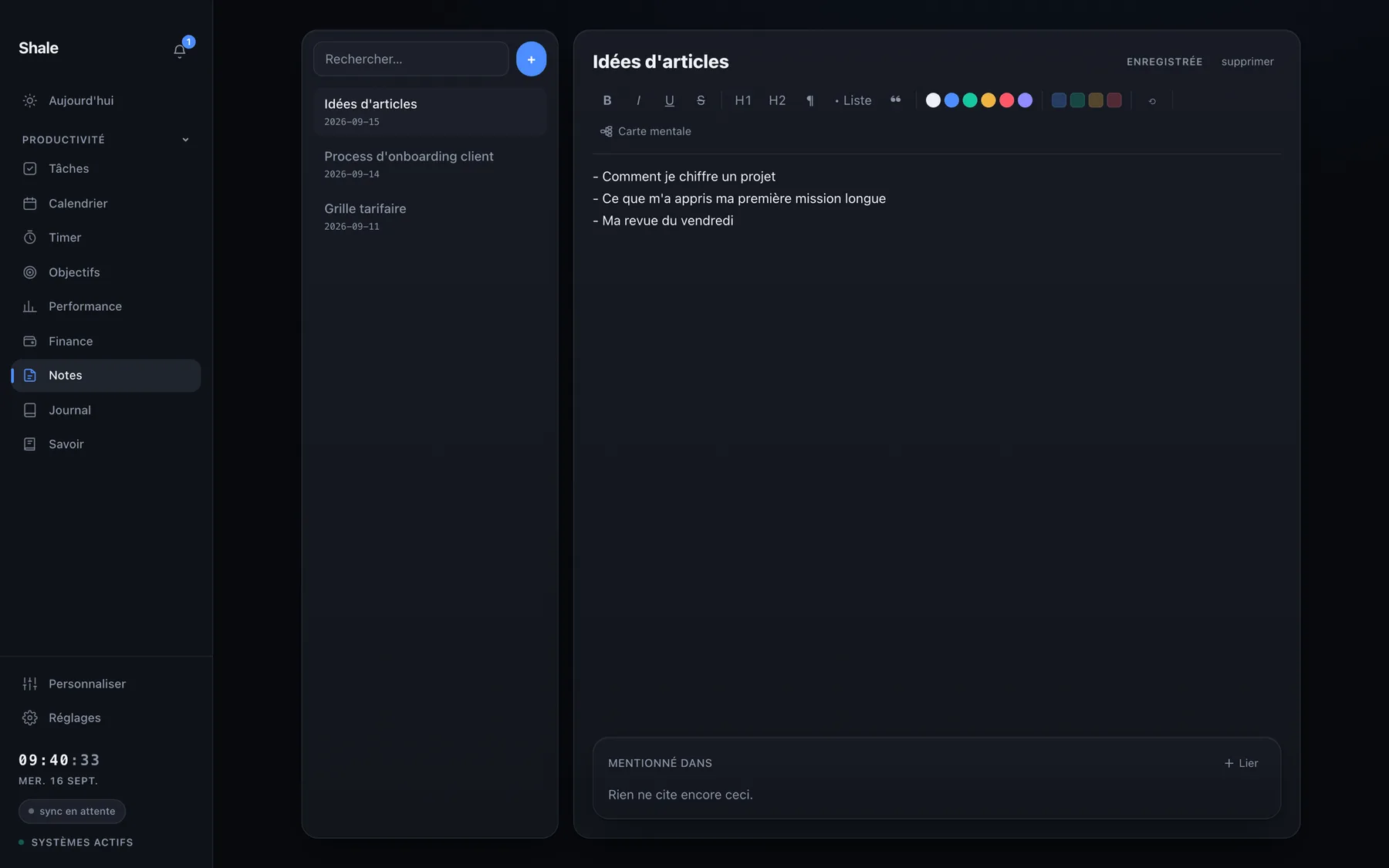
Linked notes and full-text search. You find an idea by typing it, not by remembering which folder you put it in.
- Full-text search, local, even offline
- Links between notes, tasks and goals
- Local file: nothing to sync before you write
Features 03 — Think and remember
Most note-taking tools end up as graveyards: you write in them and never come back. Here, notes, the journal and the knowledge base are attached to the days and goals that produced them.
01
Linked notes and full-text search. You find an idea by typing it, not by remembering which folder you put it in.
02
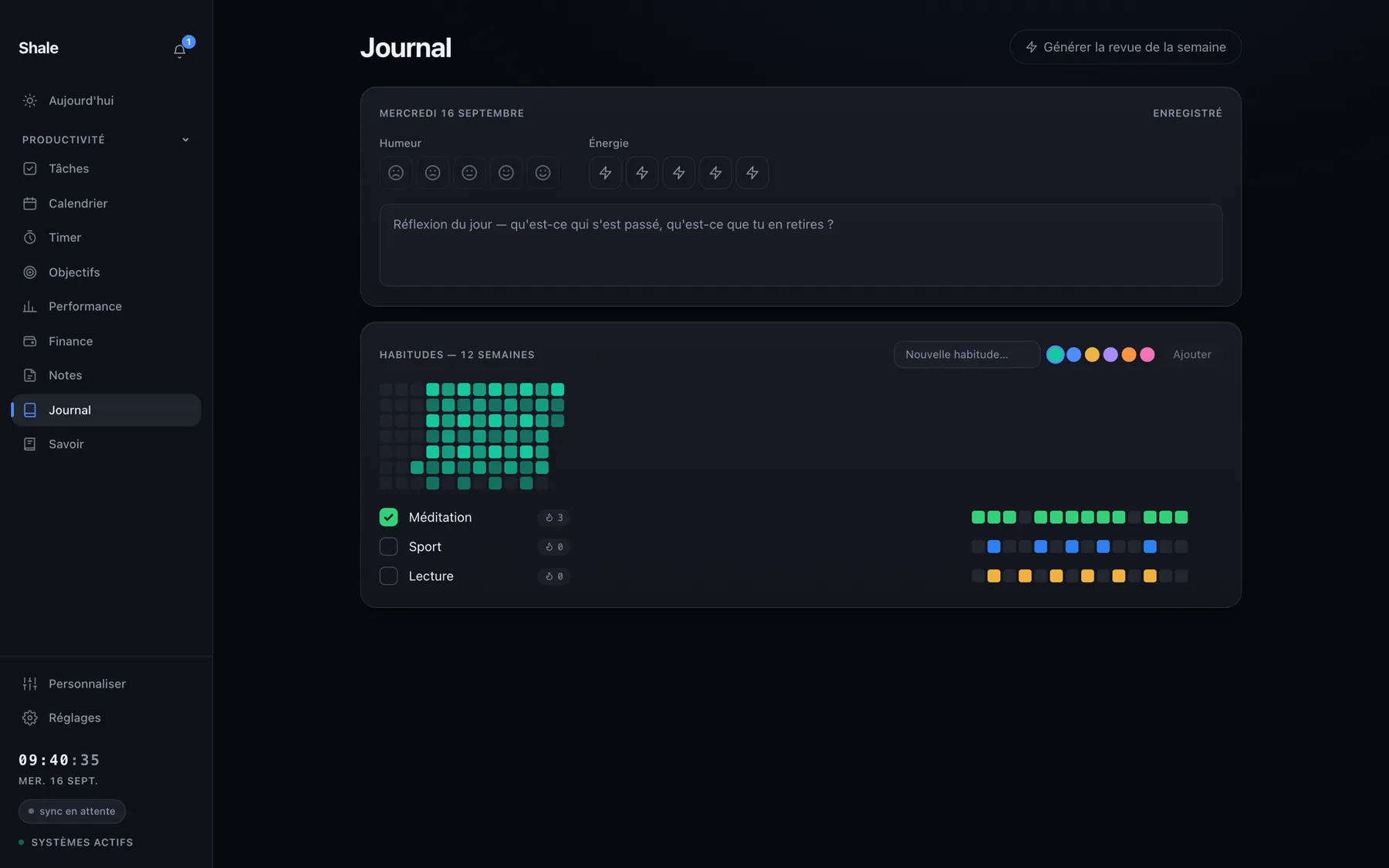
Mood, energy, habits in two taps — and the list of what the other modules already wrote while you were working. You read it over, you close it.
03
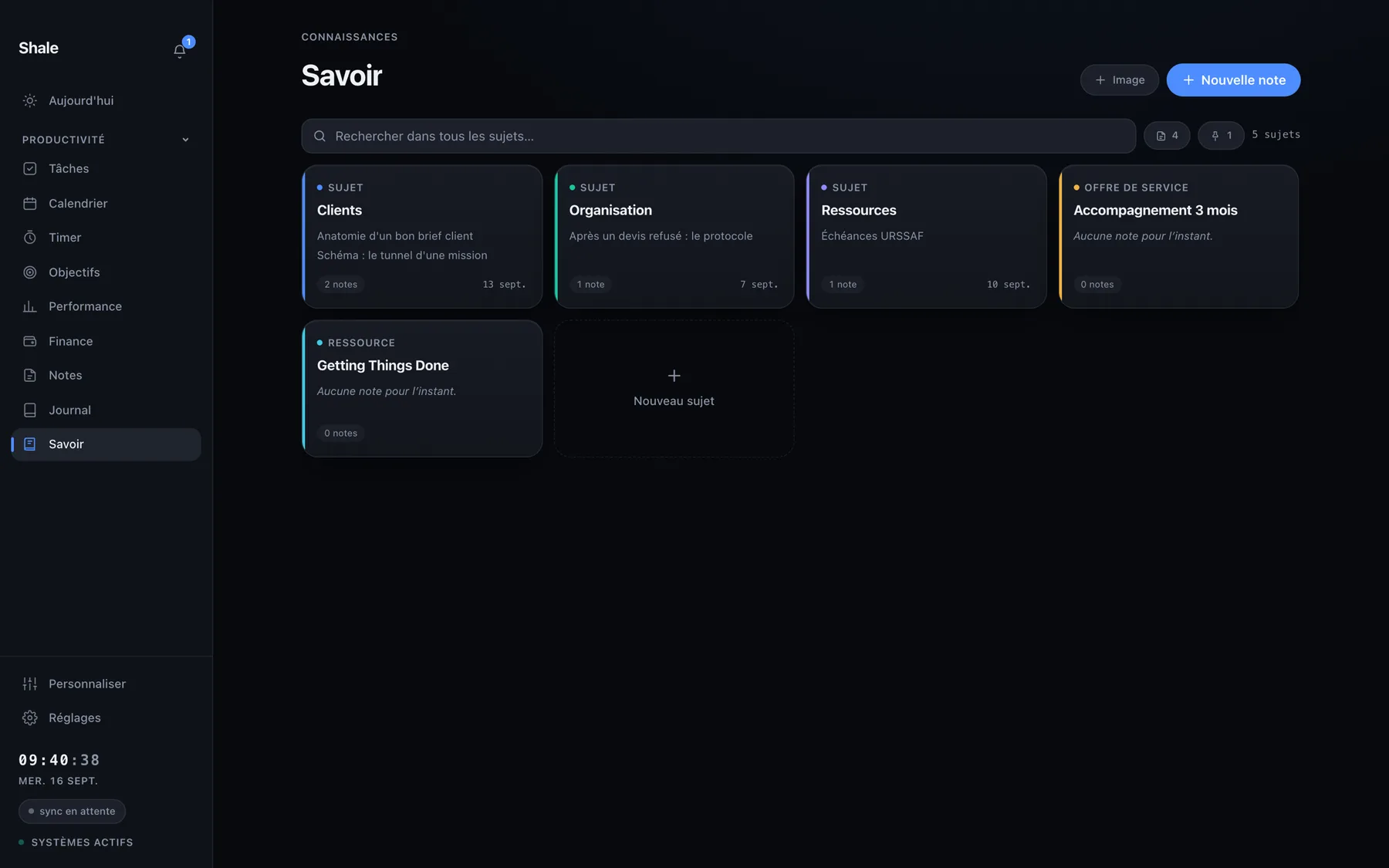
Your knowledge base: what you learn stays linked to what you do, instead of sleeping in a separate tab.
VAT not applicable, article 293 B of the French tax code.