From idea to plan, from plan to action
The only productivity app you need.
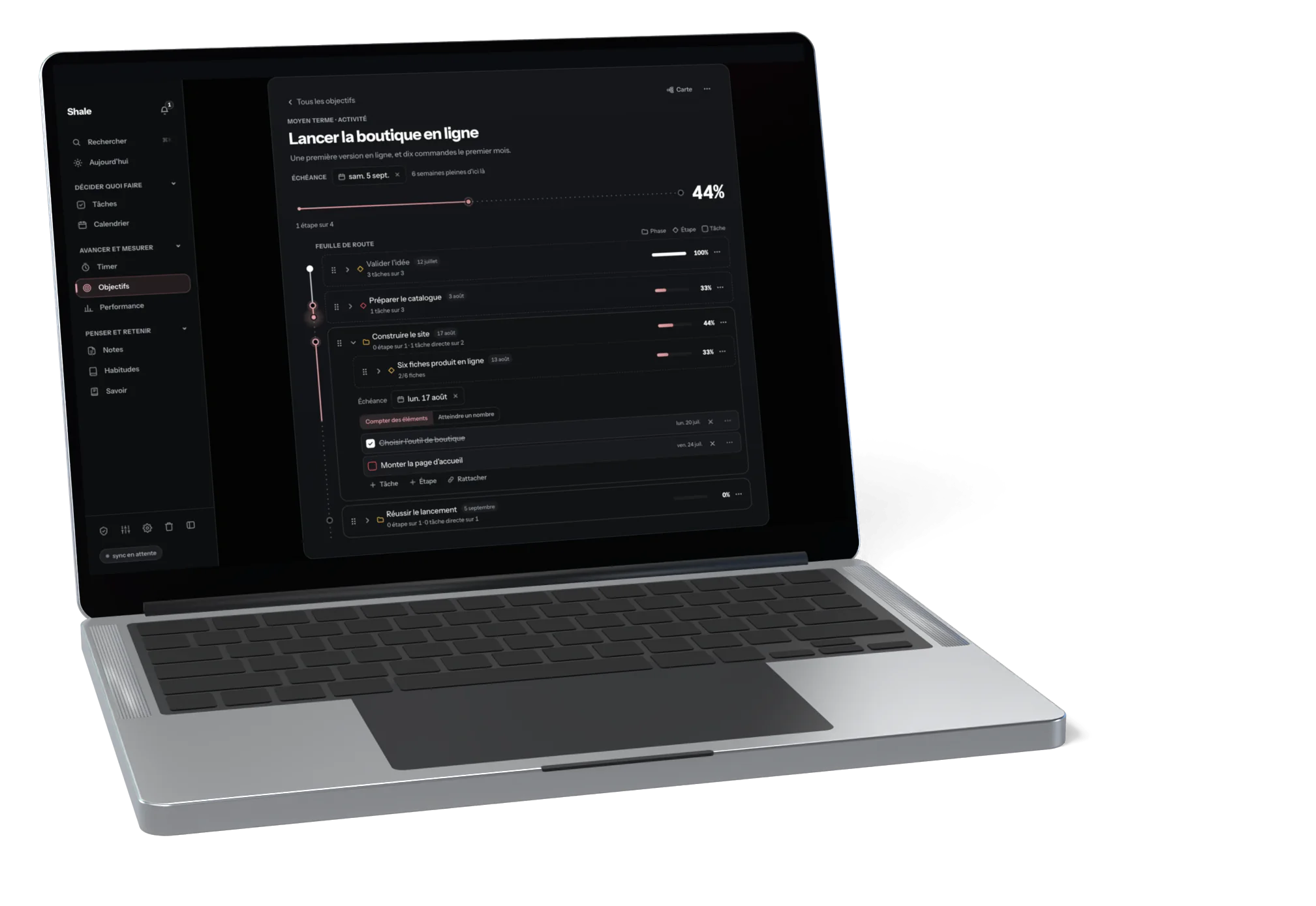
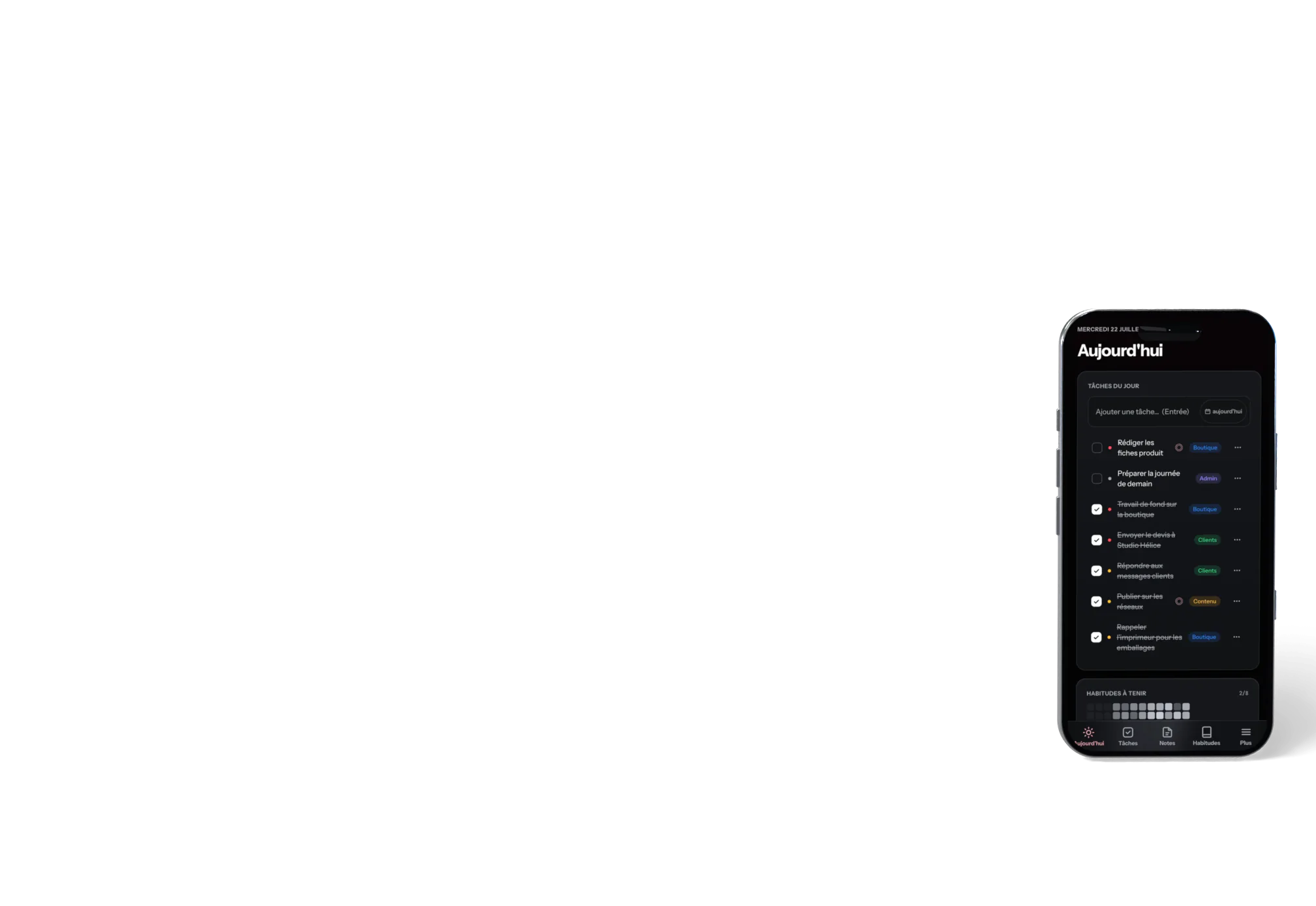
How it works
From idea to progress, in five steps.
-
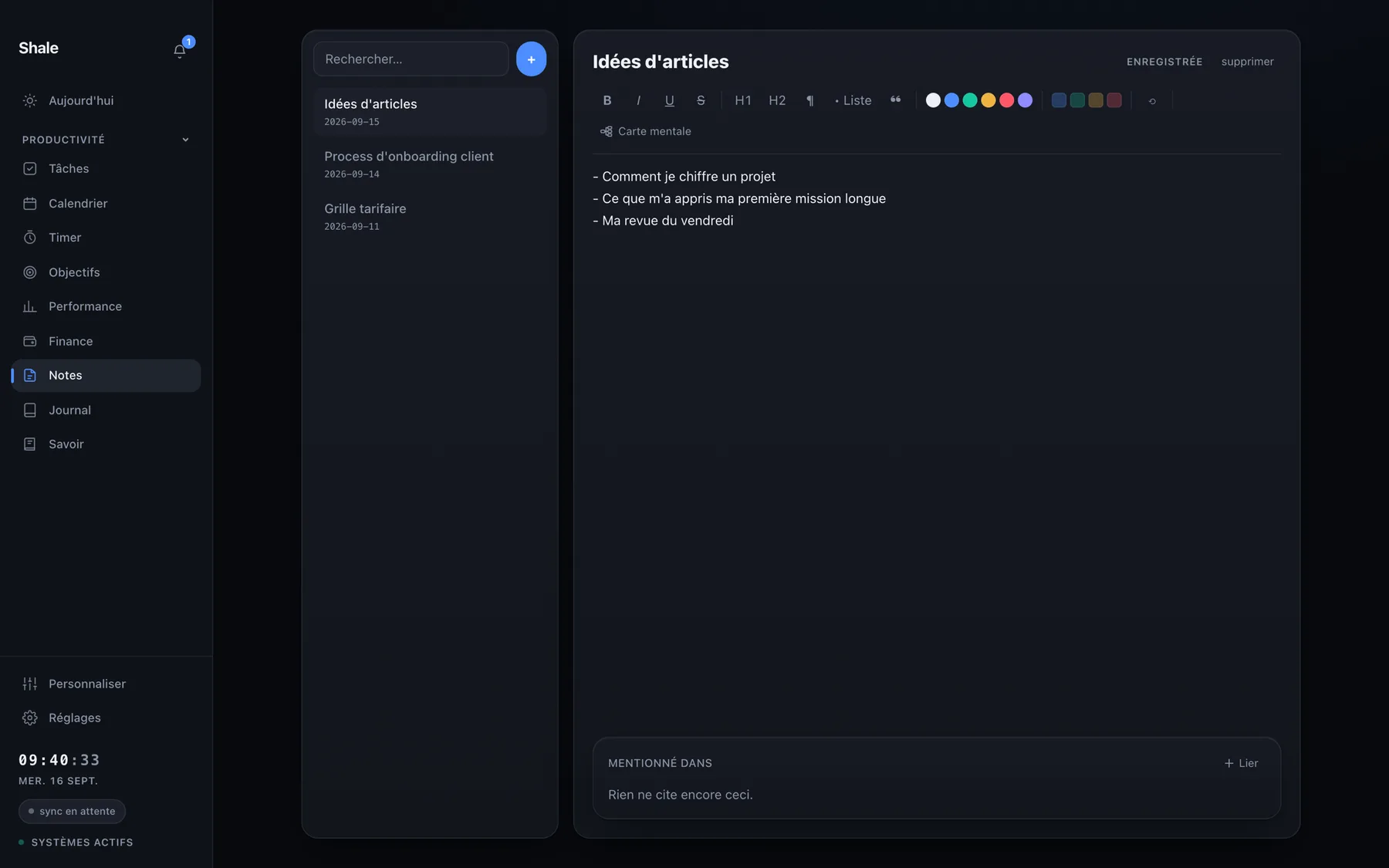
01 — Notes
The starting point
A note, a mind map: what kept going round in circles takes shape, and stays linked to everything that follows.
-
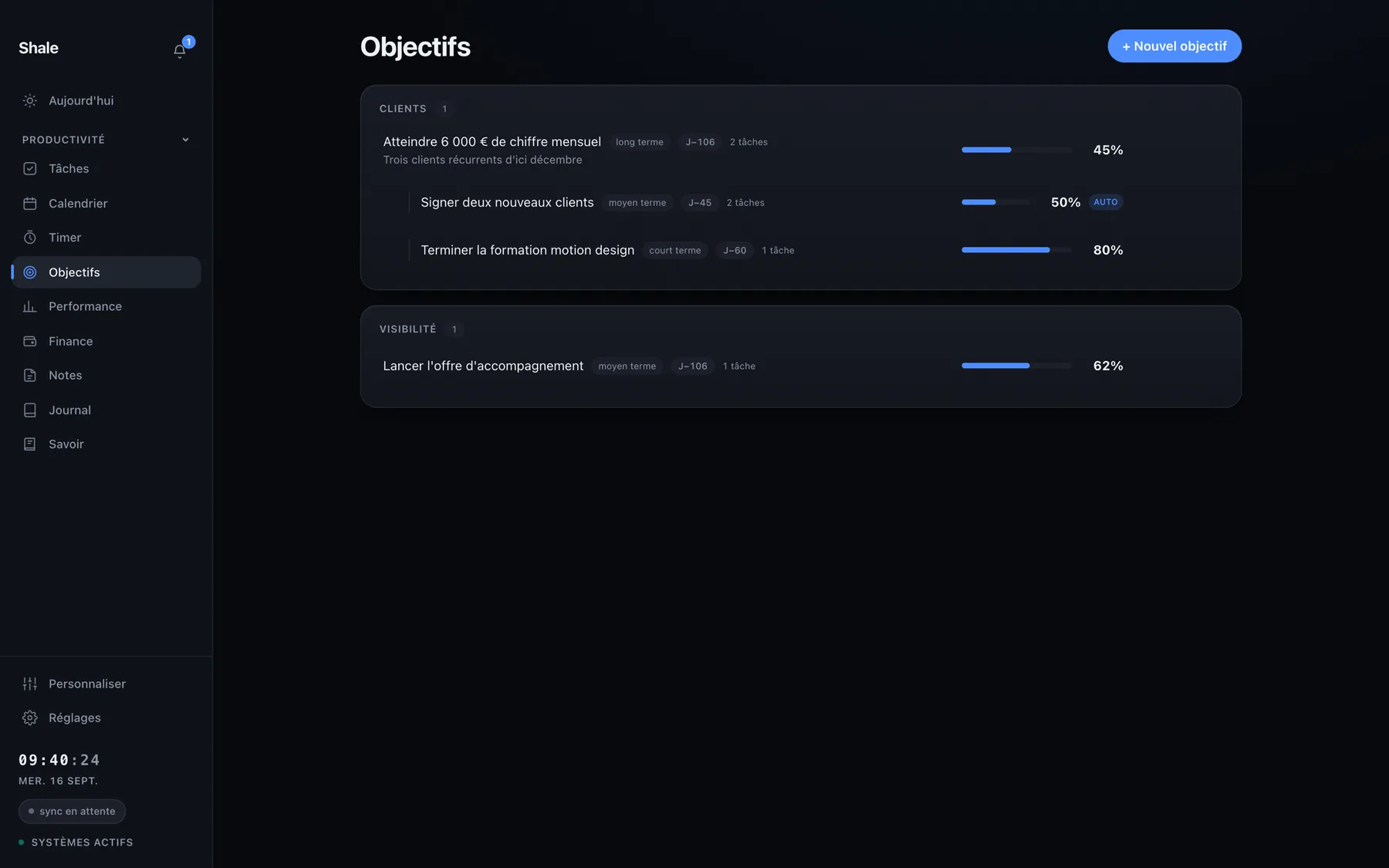
02 — Goals
The map
The idea becomes a goal, the goal a roadmap: steps, then tasks. Progress is worked out for you.
-
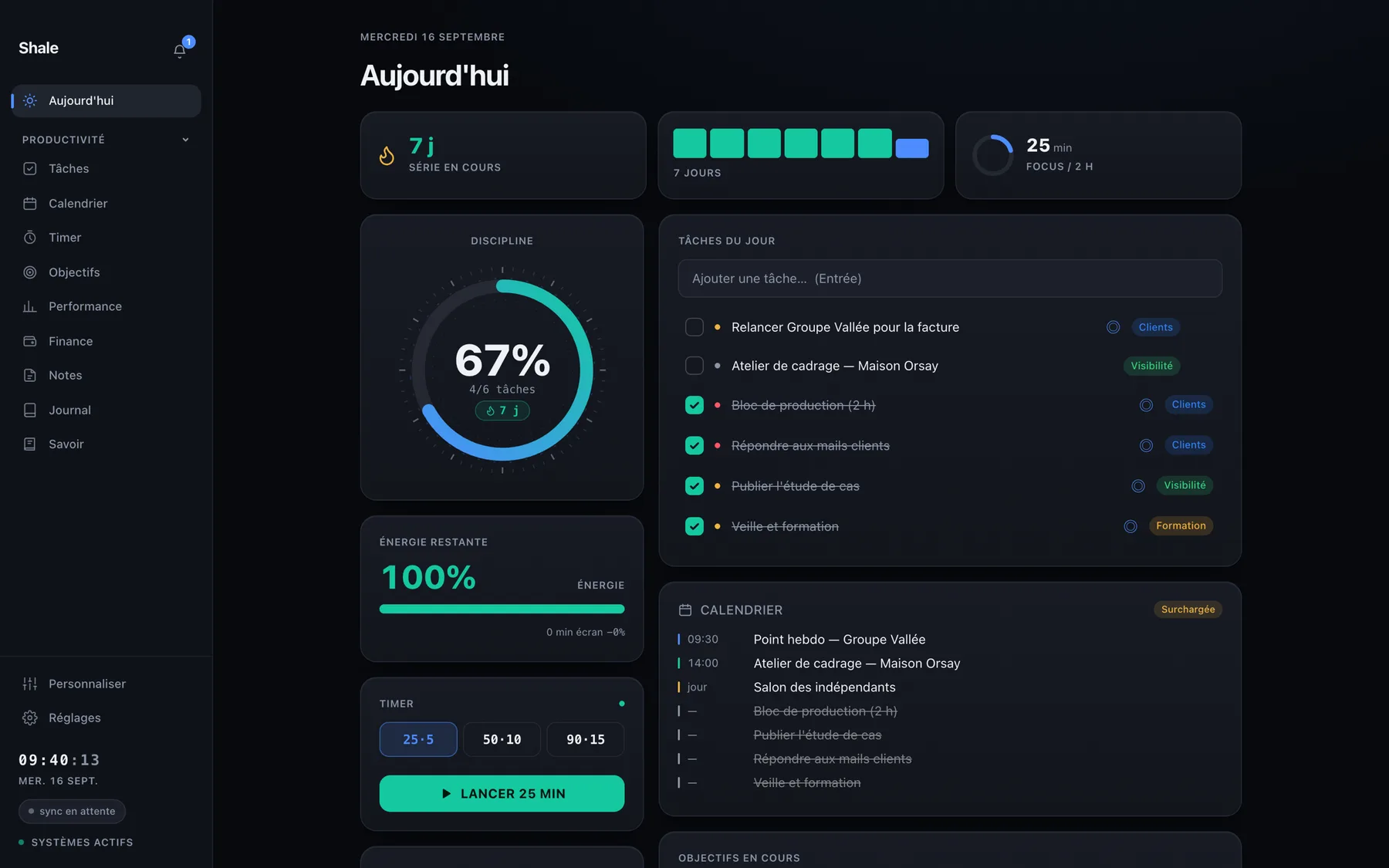
03 — Today
The first step
Every morning, Today shows the next task, what the calendar has already blocked, and the habits to keep.
-
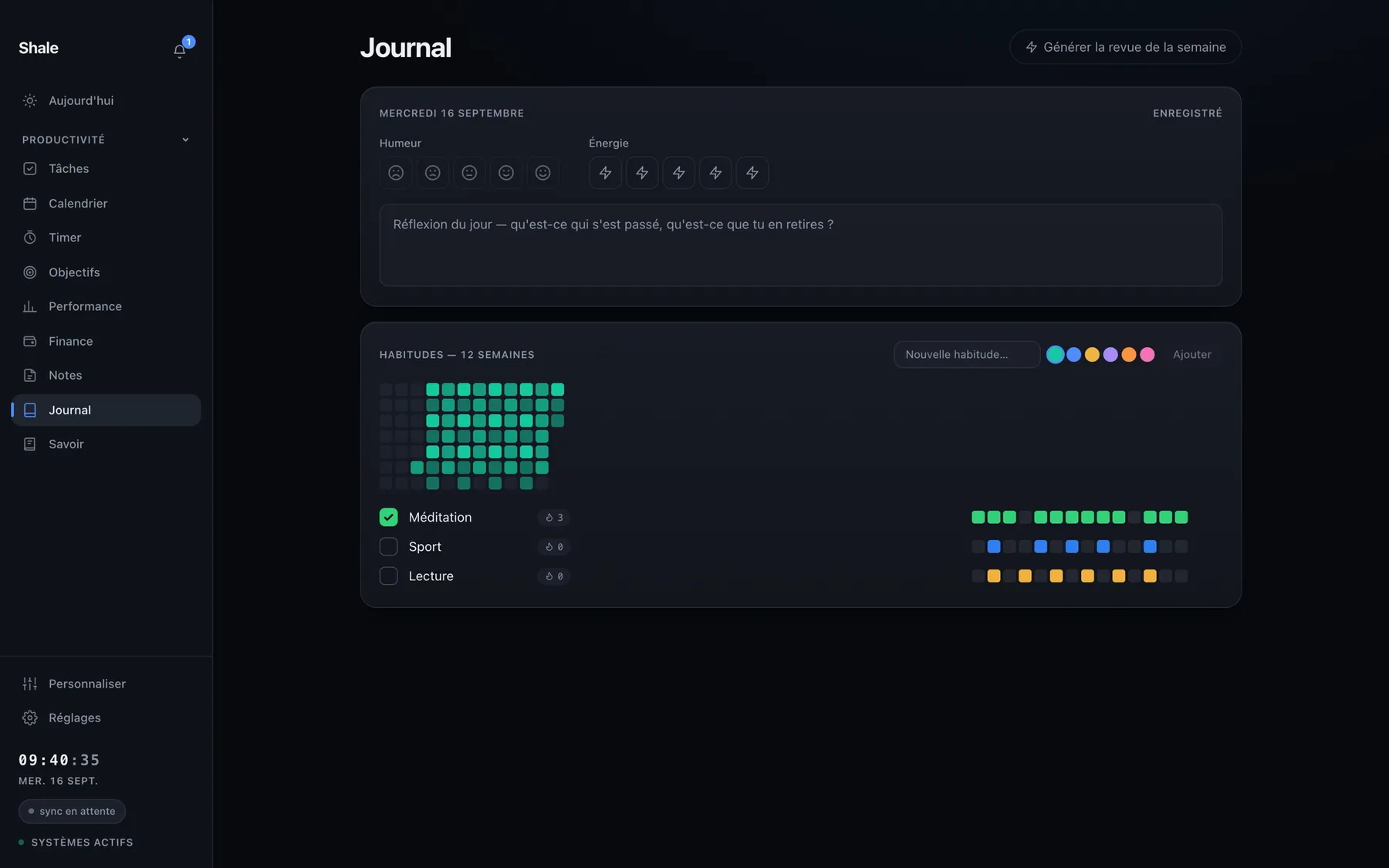
04 — Habits
The rhythm
What comes back every day becomes a habit. Shale follows it over twelve weeks, streak included.
-
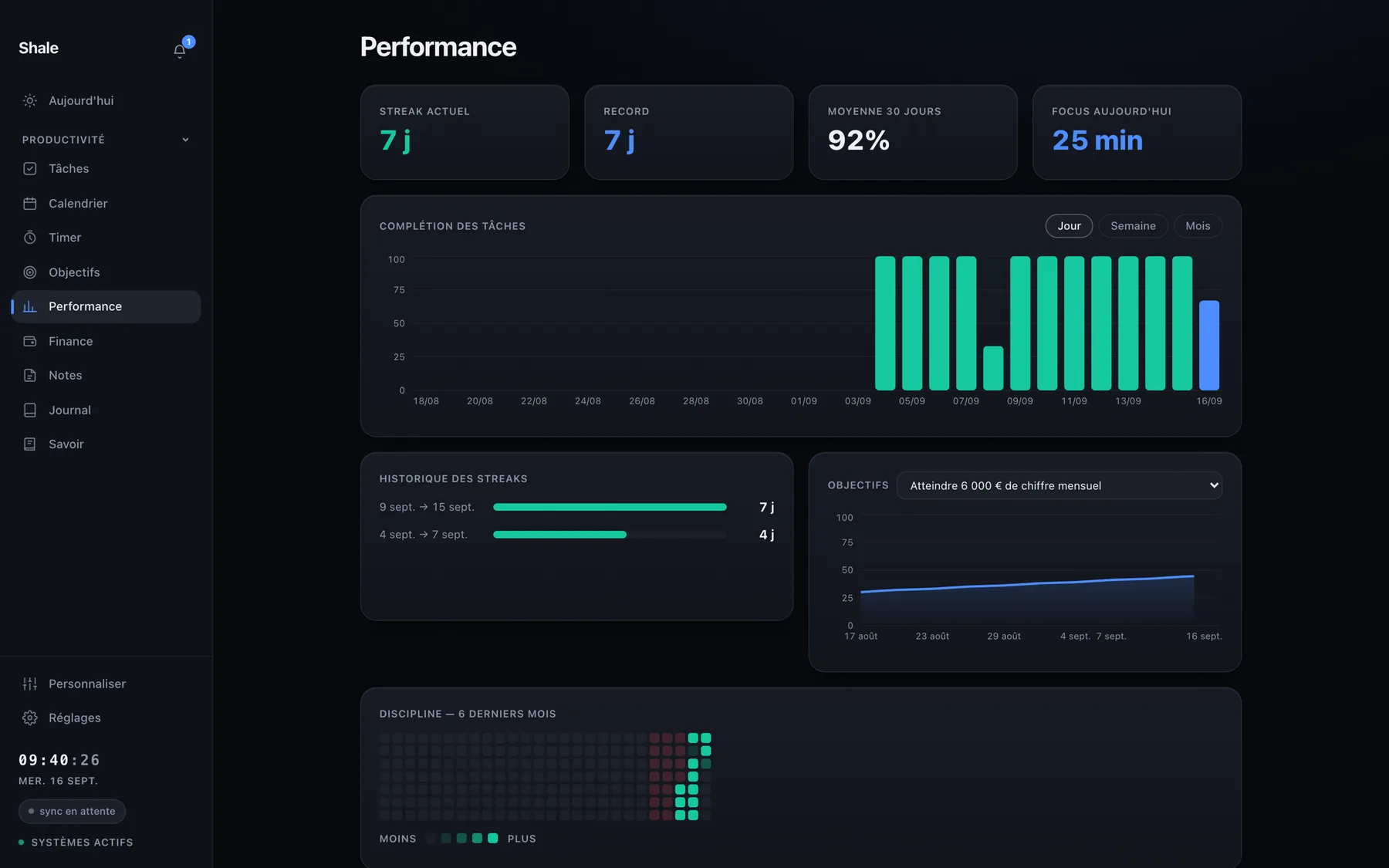
05 — Performance
The road travelled
Performance measures behaviour, not results: what gets done, the time held, the goals moving forward.
Grouped by intent, not by menu.
- Decide what to do
- Today, Tasks, Calendar
- Move forward and measure
- Timer, Goals, Performance
- Think and remember
- Notes, Habits, Knowledge
What is Shale?
Shale is a productivity app for Mac (Apple Silicon) that turns an idea into execution: a note becomes a mind map, then a goal split into phases, tasks and a calendar. It is made for entrepreneurs and independents carrying a project, as well as students and young professionals. Shale is published by Antonin Estanie, as a sole proprietorship. Shale is in pre-launch: access is through the waitlist.
Who is Shale for?
Shale is made for entrepreneurs and independents carrying a project, as well as students and young professionals who want to stick with a goal over time. It is built for one person at a time: no sharing, no comments, no team space.
What problem does Shale solve?
In the morning, working out what to do often takes more energy than doing it. When notes, goals, tasks and the calendar live in separate tools, nothing links the starting idea to the current day. Shale links them: a note becomes a goal, the goal becomes phases, the phases become tasks, and the tasks go into the calendar.
How is Shale different from Notion or a stack of separate tools?
Notion is a shared workspace you build yourself; a stack of tools makes you copy things from one tool to the next. Shale is an app installed on your Mac, made for one person, that already links notes, goals, tasks and the calendar: a ticked task feeds the discipline and the measurements without double entry, and the app tells you what to do as soon as you open it.
Which platforms does Shale run on?
Shale is built for macOS on Apple Silicon (M1 and later). It is the first version to ship. Windows and iPhone are not distributed: what the site shows of them is a preview, not a download.
Who publishes Shale?
Shale is published by Antonin Estanie, an independent developer, as a sole proprietorship (SIREN 109198879). He writes the code, answers support and writes the site.
Waitlist
What signing up gets you.
01
You leave your address
No card or account to sign up.
02
You hear first
An email the day Shale opens.
03
Your first month is free
To be claimed within 7 days of launch.
What you're thinking as you read this page.
“I'm on Windows.”
Not yet. Shale runs on macOS Apple Silicon only today; the Windows port is on the roadmap. Leave your address and you'll hear from us if Shale comes to Windows.
“Another subscription — what if I stop?”
Your data is in a file on your Mac, readable by you, with an encrypted copy on our servers. A full backup exports at any time from Settings. If you cancel, nothing is deleted: the file stays on your Mac.
“One developer on their own — what about in two years?”
Shale is written by one person, as a registered sole proprietorship, with updates released week after week. The data format is open and exportable: if development stops, your file stays readable. The release notes say what changes in each release, fixes included.
Stop depending on today's mood.
Shale isn't open to the public yet. People on the list hear first.
Your first month is free at launch.
For people on the waitlist only, to be claimed within 7 days of launch, on the Shale plan. A card is asked for at activation and charged only when the free month ends. Nothing to pay today, and one message is enough to unsubscribe. Privacy
MACOS APPLE SILICON — WAITLIST OPEN